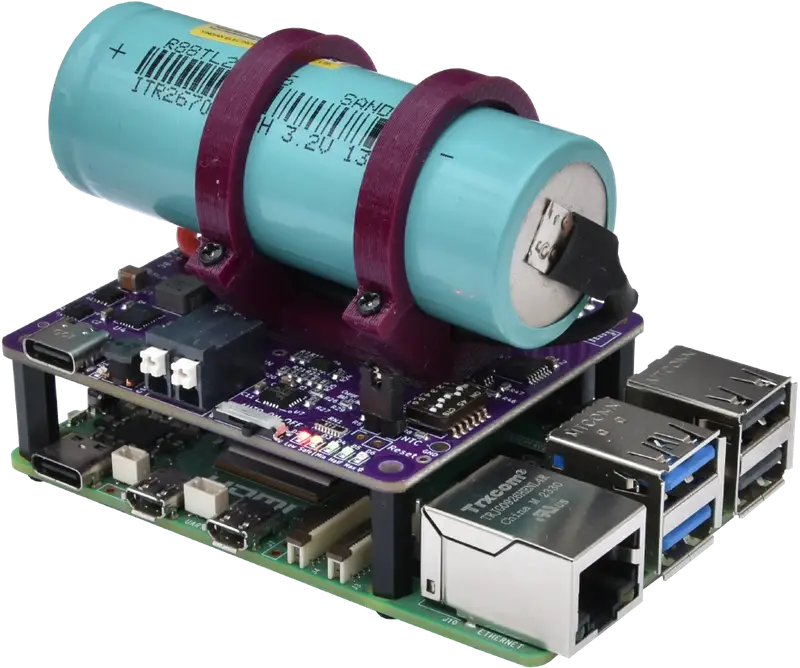
qUPS-P-BC: Li-Ion, LiFePo4 & Sodium-Ion Compatible UPS HAT
The qUPS-P-BC is the reliable battery-powered UPS HAT that delivers when you need more than just a quick backup. Choose from a range of Li-Ion, LiFePo4, and Sodium-Ion options to ensure your Raspberry Pi project stays on for hours, not just minutes.
 Learn About Our Approach
The Objective Behind qUPS-P-BC
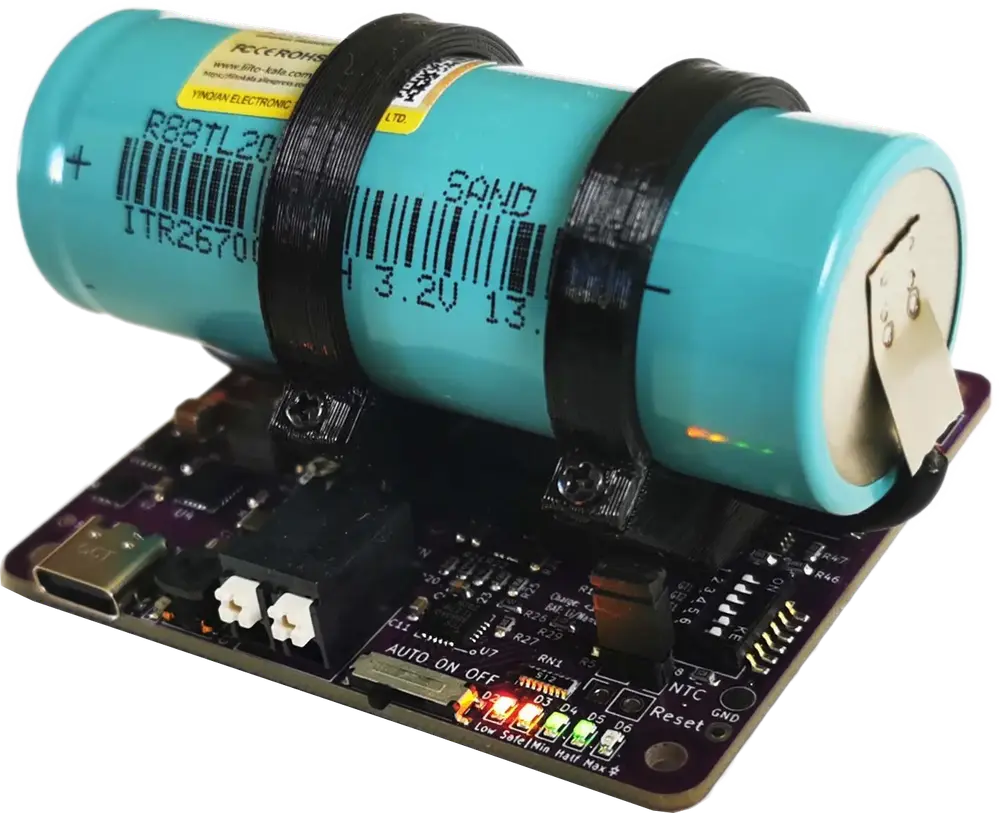
Create a UPS solution for Raspberry Pi or compatible product, which has long operation time and wide range of battery technology support. Battery should be installed and replaced easily. Capable of powering the system with 12V or 24V power source.
Design Choices for qUPS-P-BC
From Factor
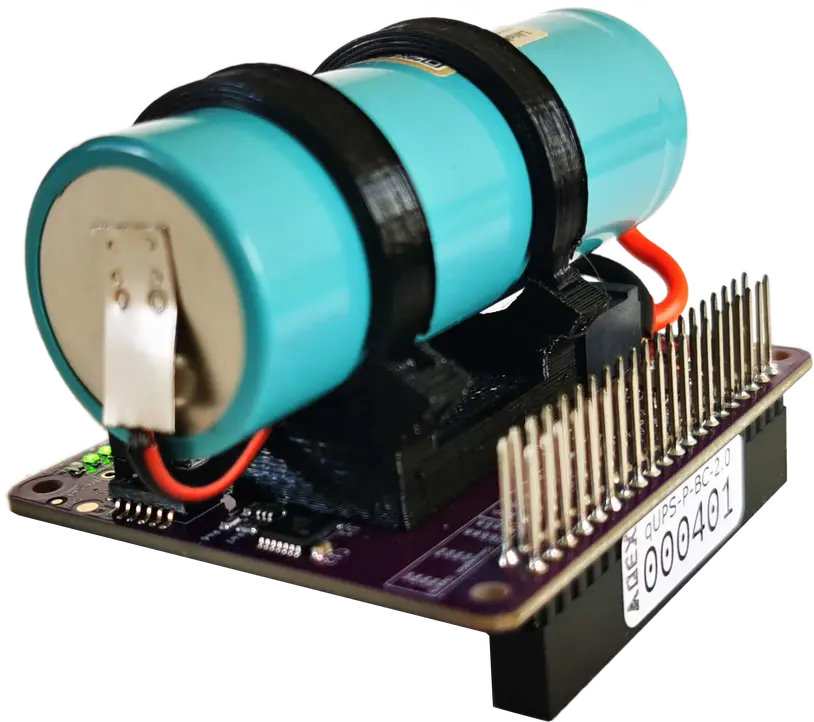
For easy assembly, qUPS has HAT form factor. Simply connect it via the 40 pin header.
Broad Battery Tech Support
It has to be compatible with Li-Ion, LiFePo4 and Sodium-ion battery. Ability to choose the best technology for the given application.
High Efficiency
Highly efficient boost converter for increasing the backup time.
Minimize inline energy loss
Offline topology - very efficient in inline state. Disadvantage: very short (<1ms) voltage degradation at power loss. Raspberry Pi can handle such issue.
Stackability
Pins on the connector are long ones, all can be accessed from the top of the product.
Communication Ability
Capable of warning the Raspberry Pi in case of input power loss, and at low energy level of the energy storage for proper shutdown.
GPIO communication
Easy programming. Avoid extra load on capacitance limited I2C bus. Only 3 GPIO ports for communication. 3 options to choose from.
Disable communication
All GPIO ports can be used for other purpose.
Reliable connection
Massive, soldered pin header for power and signal connection. Pogo pins are not reliable.
Zero firmware
Everything is done by hardware.
Shutdown issue handling
If the power is coming back, when the Raspberry Pi is already in shutdown mode, it can stuck in this state. qUPS is able to handle this situation properly.
Safe boot
In AUTO mode the Raspberry Pi will be powered, if there are enough time for booting the OS and make a proper shutdown process. This level is adjustable.
Avoid restart cycle
If the qUPS’s energy level is too low in backup mode, it can’t power the system. Without a load, it restores 5V, causing the system to restart repeatedly. In AUTO mode, the qUPS switches off the power below an adjustable energy threshold.
On mode – the reason
In AUTO mode, the Raspberry Pi doesn’t start immediately, and the supercapacitor’s full capacity isn’t used. ON mode solves these, but safety features are lost.
12V or 24V power source
Capability to power by higher voltage power source.
Battery protection
Reverse polarity and thermal (NTC) protection for saving the battery and increasing its lifespan.
qUPS-P-BC Hardware Compatibility
Raspberry Pi
Raspberry Pi Model A+ / B+
Raspberry Pi 2 Model B
Raspberry Pi 3 Model A+ / B / B+
Raspberry Pi 4
Raspberry Pi 5
Banana Pi
Banana Pi M4?
Banana Pi M6?
Orange Pi
Orange Pi PC?
Orange Pi PC2?
Rock Pi
Rock Pi 4A?
Rock Pi 4A+?
Rock Pi 4B?
Rock Pi 4B+?
Pin allocation of the qUPS-P-BC
ON-OFF
Power Good/17
Limit Low/27
Shutdown/22
ON-ON
Power Good/05
Limit Low/06
Shutdown/26
OFF-ON
Power Good/23
Limit Low/24
Shutdown/25
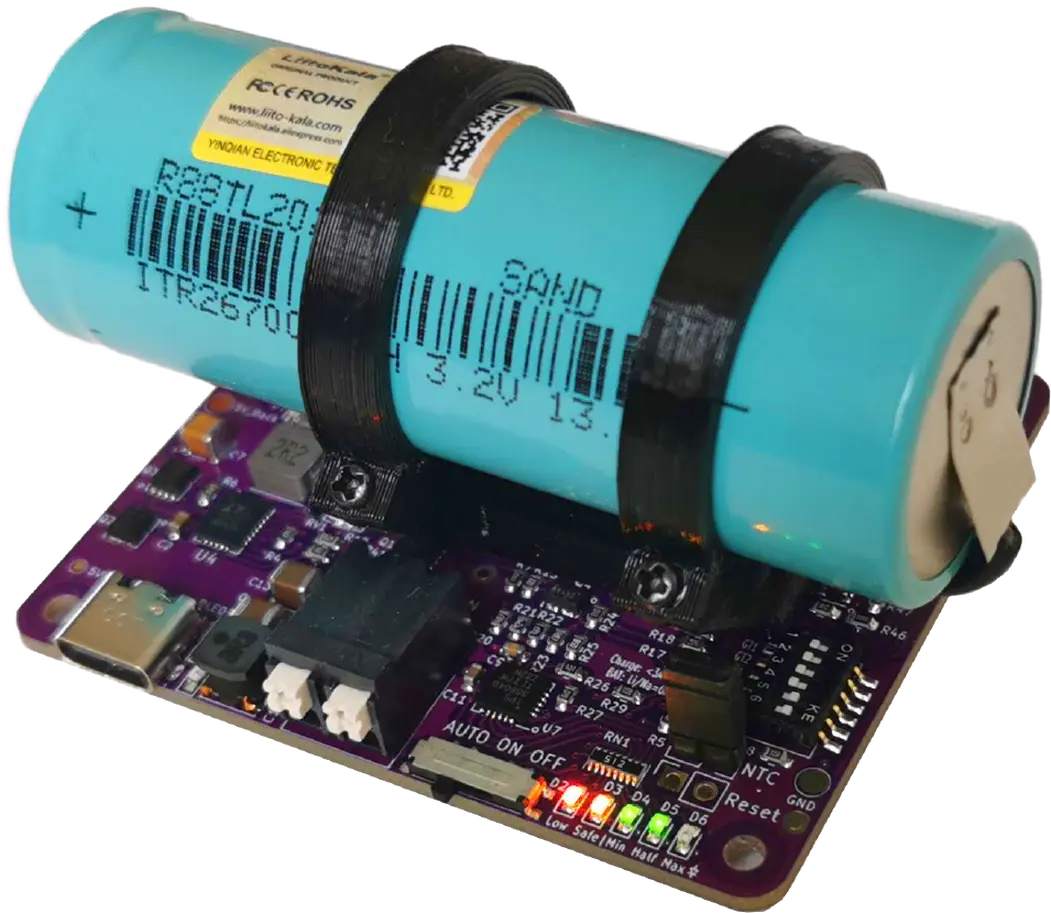
qUPS-P-BC User Interface and Indicators
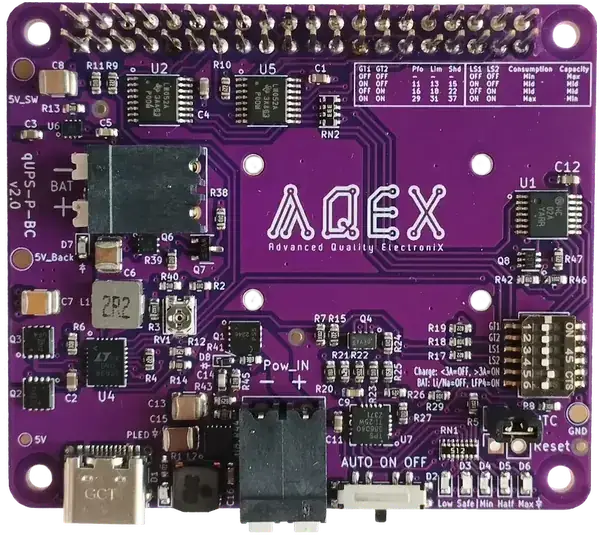
1 - Raspberry Pi 2x20 pin connector
2 - Battery holder fixing point
3 - DIP Switch: setup GPIO ports, threshold level, charge current & battery type
4 - NTC connector
5 - Reset connector
6 - SuperCap level LED Feedback
7 - Mode switch
8- Auxiliary power input
9 - Power LED
10 - USB-C connector: Power input
11 - Input threshold tuning potmeter
12 - Battery reverse polarity LED
13 - Battery connector
Technical Specs of the qUPS-P-BC
LiFePo4 Battery- Charge cycle
- 3000
- Operation temp. range
- -20..+60 ˚C
- RPi4 idle backup time*
- 447 min
- RPi4 full load backup time*
- 135 min
- RPi5 idle backup time*
- 303 min
- RPi5 full load backup time*
- 110 min
* in case of 4000mAh battery
Sodium-Ion Battery- Charge cycle
- 5000
- Operation temp. range
- -30..+60 ˚C
- RPi4 idle backup time*
- 193 min
- RPi4 full load backup time*
- 43 min
- RPi5 idle backup time*
- 113 min
- RPi5 full load backup time*
- 33 min
* in case of 3500mAh battery
Li-Ion Battery- Charge cycle
- 1000
- Operation temp. range
- -0..+40
- RPi4 idle backup time*
- 428 min
- RPi4 full load backup time*
- 93 min
- RPi5 idle backup time*
- 166 min
- RPi5 full load backup time*
- 80 min
* in case of 4000mAh battery
Physical parameters- Form factor
- Raspberry Pi HAT
- Dimensions
- 65x56x23 mm + 11mm header
- Stackable
- Replaceable battery
Electric parameters- Charging current
- 2A
- Maximum discharge current
- 7.5A
- Maximum load current
- 3.5A
- Output voltage
- 5V
Power Supply- Input voltage on main connector
- 5V
- Input voltage on auxiliary connector
- 6-28V
- USB PD (RPi5) compatibility
Connectors- Main power input
- USB-C
- Auxillary power input
- Reset
Communication- Method
- 3 GPIO port
- GPIO port allocation
- 3 options
- Disabling option
Setup- Mode options
- AUTO-ON-OFF
- Adjustable level threshold
- Adjustable input voltage threshold
Safety- Reverse polarity protection on auxillary input
- Reverse polarity protection on battery connector
Control- External control of the power of Raspberry Pi
Indication- Input Power
- Supercapacitor voltage level
- 4 LEDs
Software- Control software
- C++ & Python
Compare qUPS family members
qUPS-P-BC Manuals & Resources
qUPS-P-BC Gallery
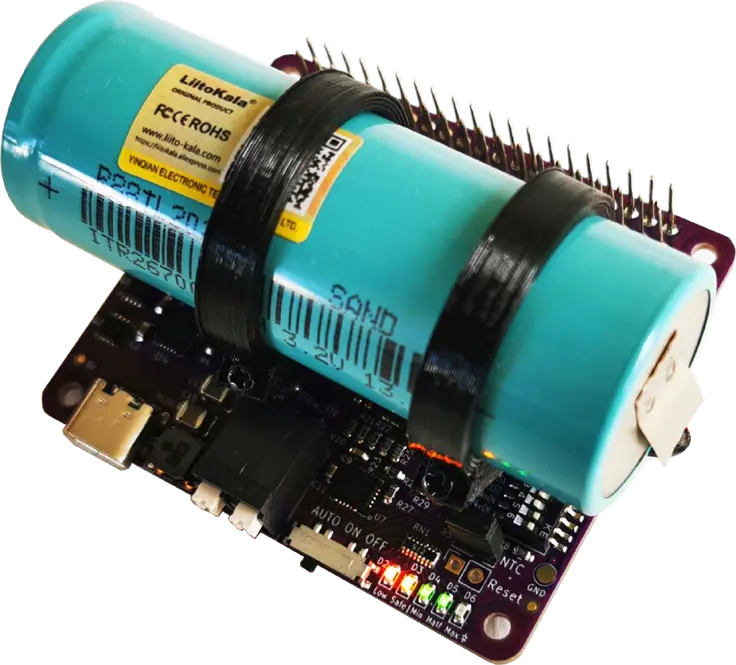
qUPS-P-BC 3D view & Model
Purchase Options for qUPS-P-BC




Frequently asked questions about qUPS-P-BC
Q: Is there an I2C identity EEPROM on the qUPS-P-BC?
A: No, there is no EEPROM on qUPS-P-BC, but setup/config is not needed on Raspberry Pi. Only control SW has to be started with a proper parameter. It has a HAT form factor, but not fully HAT compactible (missing identity chip).
Q: Can I connect 12V battery pack to qUPS-P-BC's battery connector?
A: No, it can be used only with single cells battery, but the capacity is not limited.
Q: Can I program the qUPS-P-BC to turn on or off the power of the Raspberry Pi after certain time?
A: No, there is no RTC on the qUPS-P-BC and there is no programing/scheduling possibility.